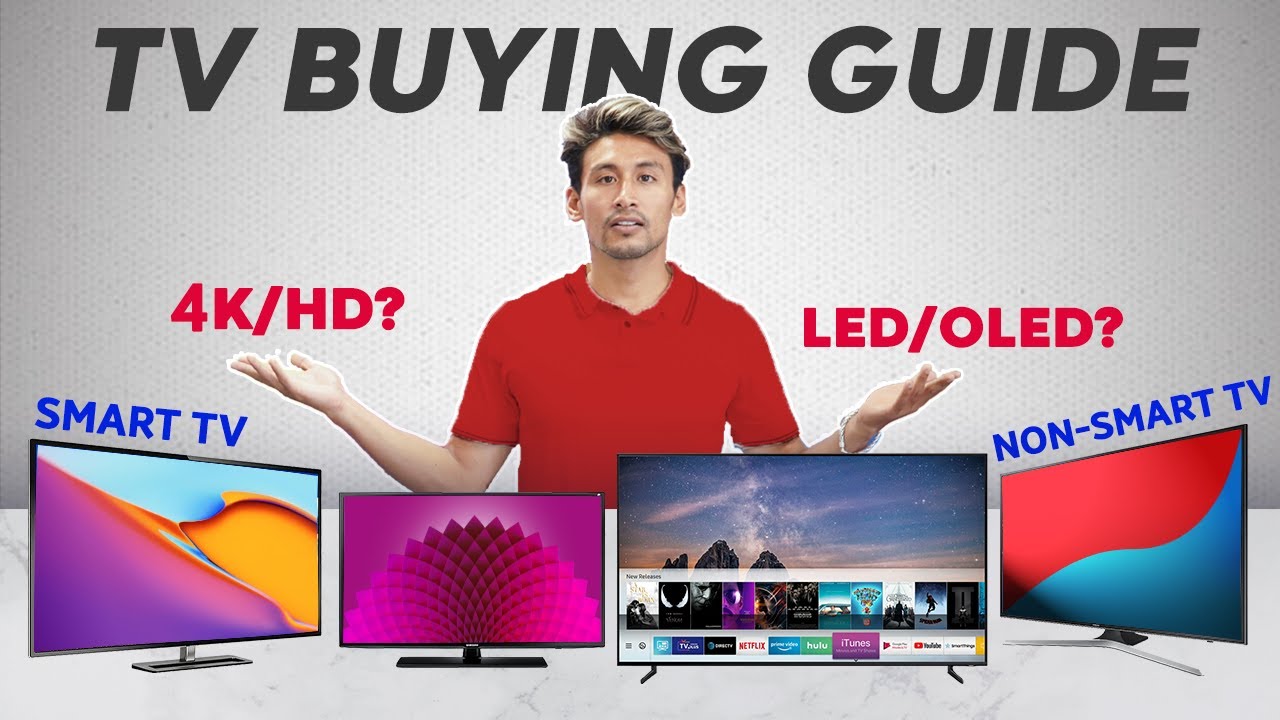
Buying a new television can feel overwhelming — especially with so many options like OLED, QLED, 4K, Smart TVs, gaming TVs, and budget-friendly models. This TV buying guide for beginners simplifies everything you need to know so you can confidently choose a television that fits your budget, lifestyle, and viewing preferences without wasting money.
Whether you’re upgrading your living room entertainment setup, searching for the best TV deals online, or comparing premium smart TVs versus budget models, this guide breaks down the essential features, comparisons, and buying strategies.
Why Choosing the Right TV Matters
A television is no longer just a screen — it’s an entertainment hub. Modern TVs integrate streaming services, gaming features, voice assistants, and high-end picture technologies.
Selecting the right TV helps you:
- Save money by avoiding unnecessary features
- Improve picture quality and viewing experience
- Future-proof your purchase
- Enhance gaming and streaming performance
Key TV Specifications Beginners Should Understand
1. Screen Size: Finding the Right Fit
TV size should match your viewing distance and room size.
General guideline:
| Viewing Distance | Recommended TV Size |
|---|---|
| 4–6 feet | 43–50 inches |
| 6–8 feet | 55–65 inches |
| 8–10 feet | 70–75 inches |
| 10+ feet | 85 inches or larger |
Larger screens often provide better immersion, but placement and room layout matter more than simply buying the biggest TV available.
2. Display Technologies Explained
Understanding panel types is essential for comparing TV deals and models.
LED / LCD TVs
- Most affordable option
- Bright displays suitable for well-lit rooms
- Good value for everyday viewing
QLED TVs
- Enhanced brightness and color accuracy
- Ideal for sports and daytime viewing
- Often mid-to-premium pricing
OLED TVs
- Deep blacks and cinematic contrast
- Excellent viewing angles
- Higher price but premium picture quality
3. Resolution: Is 4K Enough?
Most beginners should focus on:
- 4K Ultra HD (Recommended) – Best balance of price and performance.
- 8K TVs – Premium category; limited content availability currently.
If you’re comparing price vs value, a quality 4K smart TV remains the best investment.
4. Smart TV Features
Smart TVs allow direct access to:
- Netflix
- YouTube
- Amazon Prime Video
- Disney+
- Local streaming apps
Look for:
- Fast operating system
- Regular software updates
- Voice control compatibility
Refresh Rate and Gaming Features (Important for Gamers)
If you play console or PC games, prioritize:
- 120Hz refresh rate
- HDMI 2.1 support
- Low input lag
- Variable refresh rate (VRR)
Gaming TVs often cost more but improve responsiveness and motion clarity.
Audio Quality: Do You Need a Soundbar?
Most modern TVs have slim designs that limit speaker size.
Consider adding:
- Soundbar for improved clarity
- Dolby Atmos support for immersive sound
- Bluetooth connectivity for wireless audio
Smart TV Operating Systems Compared
| Platform | Advantages | Best For |
|---|---|---|
| Android TV / Google TV | App flexibility | Power users |
| Roku TV | Simple interface | Beginners |
| Tizen (Samsung) | Smooth performance | Streaming lovers |
| webOS (LG) | Intuitive navigation | OLED users |
Price vs Value: Understanding TV Pricing Tiers
| Category | Price Range | Who It’s Best For |
|---|---|---|
| Budget TVs | $200–$500 | Casual viewing |
| Mid-range TVs | $500–$1200 | Most households |
| Premium TVs | $1200+ | Cinema enthusiasts & gamers |
Higher price doesn’t always mean better for your needs — many mid-range TVs offer excellent performance for everyday streaming.
Pros and Cons: Budget vs Premium TVs
Budget TVs
Pros
- Affordable
- Good for basic streaming
- Energy-efficient models available
Cons
- Lower brightness
- Limited advanced features
Premium TVs
Pros
- Superior picture quality
- Advanced gaming features
- Better HDR performance
Cons
- Higher cost
- Premium features may be unnecessary for casual viewers
Tips to Find the Best TV Deals Online
- Compare prices across multiple retailers
- Check seasonal sales (Black Friday, holiday deals)
- Look for bundled promotions (free streaming subscriptions)
- Read verified customer reviews
- Compare warranty coverage
High-CPC ecommerce keywords such as discount smart TVs, best TV deals online, and compare television prices naturally align with buyers actively researching purchases.
Common Beginner Mistakes When Buying a TV
- Buying a TV too large for the room
- Ignoring refresh rate for gaming
- Overpaying for features you won’t use
- Not checking HDMI ports and connectivity options
- Focusing only on brand instead of specifications
Frequently Asked Questions (FAQs)
1. What size TV should beginners buy?
Most households benefit from a 55–65 inch TV depending on viewing distance and room size.
2. Is OLED better than QLED?
OLED provides deeper contrast, while QLED offers higher brightness — the best choice depends on your viewing environment.
3. Are smart TVs worth it?
Yes, smart TVs eliminate the need for external streaming devices and provide convenient access to entertainment platforms.
4. Should I buy a 120Hz TV?
If you watch sports or play games frequently, a 120Hz refresh rate improves motion clarity.
5. How long should a TV last?
A quality television typically lasts 5–10 years with normal usage.
Conclusion: Choosing the Right TV as a Beginner
The best TV for beginners balances price, features, and long-term usability. Focus on screen size, display technology, and smart features rather than chasing unnecessary specifications. A mid-range 4K smart TV with reliable performance often delivers the best value for most buyers.
Take time to compare models, read reviews, and match features to your viewing habits. With the right approach, you can enjoy an immersive entertainment experience without overspending.