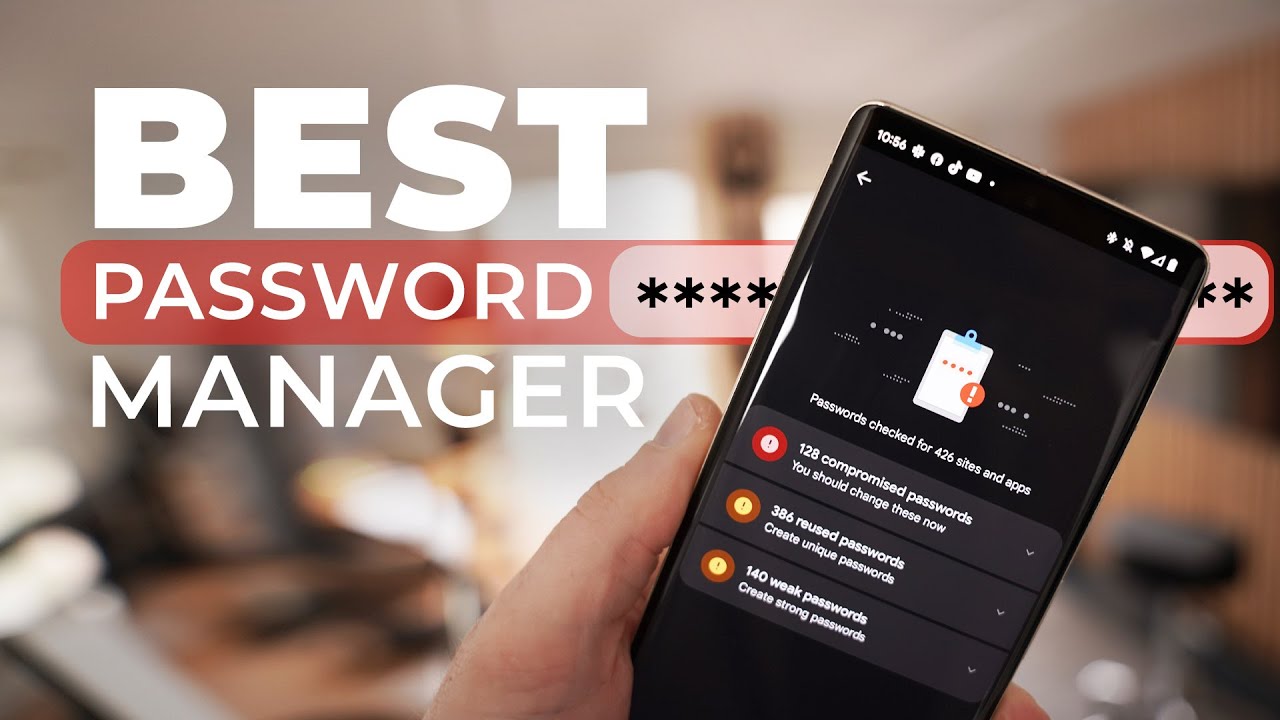
If you are searching for the best password manager, you already understand how important online security has become. With increasing cyber threats, ecommerce fraud risks, and identity theft cases, relying on memory—or worse, reusing simple passwords—is no longer safe.
A password manager is a cybersecurity tool designed to securely store, encrypt, and manage login credentials across devices. Whether you shop online, manage multiple ecommerce accounts, or run a small business, investing in a secure password manager can significantly improve your digital safety.
In this detailed review, we compare top password management software, analyze features, evaluate pricing plans, and help you choose the best solution based on your needs and budget.
Why You Need a Password Manager in 2026
Today’s digital users often manage:
- Banking apps
- Ecommerce platforms
- Cloud storage services
- Remote work tools
- Social media accounts
- Business dashboards
Using weak passwords or repeating the same credentials across accounts increases vulnerability to phishing attacks and data breaches.
According to cybersecurity guidance from National Institute of Standards and Technology, strong password practices and credential management tools are essential for reducing account compromise risks.
A reliable password manager provides:
- Secure password storage
- Encrypted vault protection
- Auto-fill login functionality
- Multi-device synchronization
- Two-factor authentication support
What Makes the Best Password Manager?
When evaluating password manager software, consider these essential features:
1. End-to-End Encryption
Strong encryption (typically AES-256) ensures only you can access stored credentials.
2. Zero-Knowledge Architecture
The provider cannot access your data—even if their servers are compromised.
3. Multi-Device Compatibility
Support for Windows, macOS, Android, iOS, and browser extensions is essential.
4. Password Generator
A built-in tool to create complex, unique passwords.
5. Secure Password Sharing
Ideal for families or business teams.
6. Dark Web Monitoring
Some premium plans alert users if credentials appear in breach databases.
Best Password Manager Review: Top Picks Compared
Below is a detailed comparison of highly rated password managers in 2026.
1. 1Password
Overview
1Password is widely recognized for its strong encryption standards and clean interface.
Key Features
- AES-256 encryption
- Travel Mode (removes sensitive data temporarily)
- Secure document storage
- Watchtower security alerts
- Cross-platform support
Pricing (Approximate)
| Plan Type | Monthly Cost | Best For |
|---|---|---|
| Individual | $2.99–$3.99 | Personal use |
| Family | $4.99–$6.99 | Shared household |
| Business | Custom pricing | Teams & SMEs |
Pros
- Strong security reputation
- User-friendly dashboard
- Excellent customer support
Cons
- No free permanent plan
- Slightly higher pricing than some competitors
2. LastPass
Overview
LastPass remains popular for its accessibility and free-tier option.
Key Features
- Password vault
- Auto-fill login
- Secure notes
- Multi-factor authentication
- Emergency access feature
Pricing (Approximate)
| Plan Type | Monthly Cost | Best For |
|---|---|---|
| Free | $0 | Basic users |
| Premium | $3–$4 | Personal security |
| Family | $4–$6 | Households |
Pros
- Free plan available
- Easy setup
- Broad compatibility
Cons
- Past security incidents (though improvements have been implemented)
- Advanced features require paid plans
3. Dashlane
Overview
Dashlane combines password management with VPN services and advanced monitoring.
Key Features
- Built-in VPN (premium plans)
- Dark web monitoring
- Password health reports
- Secure sharing
Pricing (Approximate)
| Plan Type | Monthly Cost | Best For |
|---|---|---|
| Advanced | $2.75–$3.50 | Individuals |
| Premium | $4–$6 | Enhanced privacy |
| Family | $6–$8 | Multiple users |
Pros
- Strong security monitoring tools
- User-friendly design
- Added VPN feature
Cons
- Slightly higher pricing
- VPN limited compared to standalone providers
Feature Comparison Table
| Feature | 1Password | LastPass | Dashlane |
|---|---|---|---|
| AES-256 Encryption | Yes | Yes | Yes |
| Free Plan | No | Yes | Limited |
| VPN Included | No | No | Yes (Premium) |
| Dark Web Monitoring | Yes | Yes | Yes |
| Secure Sharing | Yes | Yes | Yes |
| Business Plans | Yes | Yes | Yes |
Buying Guide: How to Choose the Right Password Manager
Choosing the best password manager depends on your usage pattern.
For Individual Users
- Look for affordability
- Ensure cross-device sync
- Check ease of use
For Families
- Shared vaults
- Parental control options
- Emergency access features
For Ecommerce Sellers & Businesses
If you run online stores or manage client accounts, prioritize:
- Team password sharing
- Admin control panel
- Role-based access
- Security reporting
Business password management tools reduce operational risk and protect sensitive data.
Are Free Password Managers Worth It?
Free password managers can be useful for beginners. However:
Benefits
- No upfront cost
- Basic password storage
- Auto-fill support
Limitations
- Restricted device sync
- Limited customer support
- No advanced monitoring tools
If you manage banking apps, ecommerce transactions, or business accounts, a premium plan offers stronger protection.
Security Standards & Best Practices
Cybersecurity frameworks from Cybersecurity and Infrastructure Security Agency emphasize:
- Multi-factor authentication
- Strong encryption protocols
- Credential monitoring
- Regular software updates
When evaluating password manager reviews, ensure providers follow established data protection standards.
Tips for Getting the Best Deal
To maximize value:
- Watch for annual subscription discounts
- Compare family plans vs. multiple individual plans
- Look for bundled features (VPN, dark web monitoring)
- Take advantage of free trials
Seasonal ecommerce discounts often offer 20–40% savings on premium cybersecurity tools.
Frequently Asked Questions (FAQs)
1. What is the safest password manager?
Password managers using AES-256 encryption and zero-knowledge architecture are considered highly secure.
2. Can password managers be hacked?
While no system is 100% immune, reputable providers use advanced encryption to minimize risk. User behavior also plays a major role in security.
3. Are browser password managers safe?
Built-in browser managers offer convenience but may lack advanced features like secure sharing and dark web monitoring.
4. Do password managers slow down devices?
Most modern password management apps are lightweight and do not significantly affect device performance.
5. Is a password manager worth paying for?
If you handle financial transactions, ecommerce accounts, or sensitive data, premium password protection is a valuable investment.
Conclusion: Which Password Manager Is Best?
The best password manager depends on your needs:
- 1Password – Excellent all-around premium choice
- LastPass – Budget-friendly with free option
- Dashlane – Strong privacy tools with added VPN
For individuals managing ecommerce accounts and digital payments, investing in a reputable password manager improves online security and peace of mind.
Instead of juggling weak passwords or risking data breaches, a secure password management solution offers long-term value and protection.
In today’s digital economy, cybersecurity is not a luxury—it is a necessity.