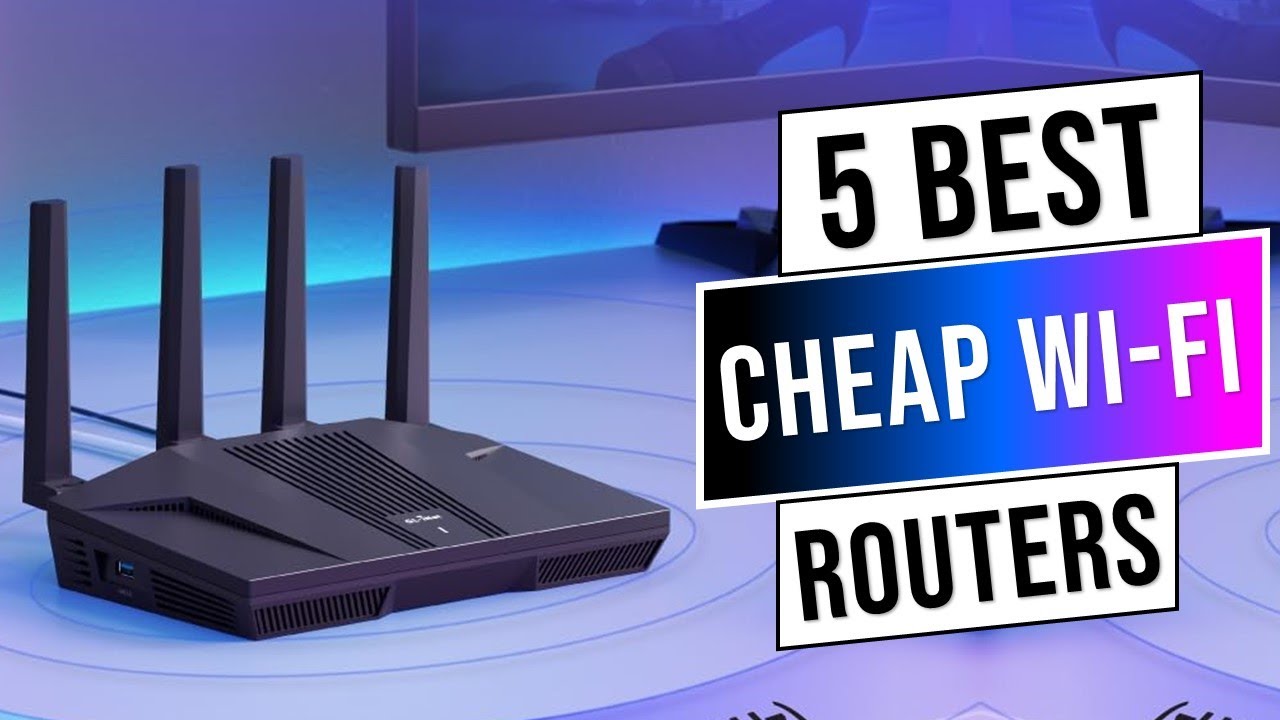
Finding the best budget Wi-Fi routers can feel overwhelming. With dozens of models promising “ultra-fast” speeds and “whole-home coverage,” it’s easy to overspend—or worse, buy a router that underperforms.
This guide breaks down affordable Wi-Fi routers that balance price, performance, security, and reliability—without inflated marketing claims. Whether you’re upgrading your home office, streaming 4K content, or managing smart devices, this article will help you choose wisely.
Why Choosing the Right Budget Wi-Fi Router Matters
Your router is the backbone of your internet connection. Even with a fast broadband plan, an outdated or low-quality router can cause:
- Slow speeds
- Dead zones
- Lag during video calls
- Poor gaming performance
- Security vulnerabilities
Investing in a cost-effective Wi-Fi router ensures you get the performance you’re already paying for from your ISP.
What to Look for in a Budget Wi-Fi Router
Before comparing models, understand the essential features that matter most.
1. Wi-Fi Standard (Wi-Fi 5 vs Wi-Fi 6)
- Wi-Fi 5 (802.11ac) – Affordable, reliable for most households
- Wi-Fi 6 (802.11ax) – Better efficiency, improved performance with multiple devices
For modern homes with many connected devices, Wi-Fi 6 offers better long-term value—even in budget models.
2. Speed Ratings (AC1200, AX1800, etc.)
These numbers represent theoretical maximum speeds.
- AC1200 – Good for small homes and light usage
- AX1800 – Ideal balance of performance and affordability
- AX3000+ – More future-proof but slightly higher price
3. Coverage Area
Check square footage recommendations. Budget routers typically cover:
- Apartments: 800–1,500 sq ft
- Medium homes: 1,500–2,500 sq ft
4. Security Features
Look for:
- WPA3 encryption
- Guest network support
- Automatic firmware updates
- Parental controls
Security is essential for protecting smart devices and personal data.
Best Budget Wi-Fi Routers (2026 Comparison)
Below are reliable, highly rated options that provide strong performance at affordable price points.
1️⃣ TP-Link Archer AX21
Best Overall Budget Wi-Fi 6 Router
Key Specs:
- Wi-Fi 6 (AX1800)
- Up to 1.8 Gbps
- Covers ~2,000 sq ft
- WPA3 security
Pros
- Excellent price-to-performance ratio
- Stable for streaming and gaming
- Easy mobile app setup
- Strong parental controls
Cons
- Not ideal for very large homes
- No multi-gig port
Best For: Small-to-medium households with multiple devices.
2️⃣ ASUS RT-AC66U B1
Best Budget Router for Advanced Controls
Key Specs:
- Wi-Fi 5 (AC1750)
- AiProtection security
- VPN support
- Dual-band
Pros
- Powerful firmware features
- Strong range for the price
- Excellent customization options
Cons
- Older Wi-Fi standard
- Slightly bulkier design
Best For: Users who want advanced network management features on a budget.
3️⃣ Netgear R6700AX
Best Budget Router for Streaming & Gaming
Key Specs:
- Wi-Fi 6 (AX1800)
- 1.8 Gbps speeds
- Up to 20 devices
- OFDMA support
Pros
- Reliable video streaming
- Stable gaming connections
- Simple setup process
Cons
- Subscription required for advanced security
- Limited USB options
Best For: Families who stream Netflix, YouTube, or game online regularly.
Budget Wi-Fi Router Comparison Table
| Router | Wi-Fi Standard | Speed | Best For | Approx. Price Range |
|---|---|---|---|---|
| TP-Link Archer AX21 | Wi-Fi 6 | AX1800 | Overall value | $70–$100 |
| ASUS RT-AC66U B1 | Wi-Fi 5 | AC1750 | Advanced features | $80–$110 |
| Netgear R6700AX | Wi-Fi 6 | AX1800 | Streaming/gaming | $90–$120 |
Prices vary by retailer and promotions.
Wi-Fi 5 vs Wi-Fi 6: Is It Worth Paying More?
If your devices support Wi-Fi 6 (most new smartphones, laptops, and smart TVs do), it’s worth choosing a budget Wi-Fi 6 router.
Benefits include:
- Better multi-device performance
- Lower latency
- Improved energy efficiency
- Future-proof compatibility
However, for basic browsing and email, Wi-Fi 5 still performs well.
How to Choose the Best Budget Router for Your Needs
For Apartments
Choose:
- AX1800 router
- Compact design
- Strong 5GHz band
For Families
Choose:
- Wi-Fi 6
- Parental controls
- Guest network support
For Gamers
Choose:
- Low latency support
- Dual-band optimization
- QoS (Quality of Service) features
Common Buyer Mistakes to Avoid
- Buying the cheapest option without checking speed ratings
- Ignoring coverage size
- Overpaying for features you don’t need
- Not updating firmware after installation
Frequently Asked Questions (FAQs)
1. What is the best budget Wi-Fi router under $100?
The TP-Link Archer AX21 is widely considered one of the best options under $100 due to its Wi-Fi 6 support and reliable performance.
2. Do I need Wi-Fi 6 for home use?
Not mandatory, but recommended if you have many connected devices or want future-proof performance.
3. How often should I replace my router?
Typically every 3–5 years, depending on performance and technology updates.
4. Can a budget router handle smart home devices?
Yes, especially Wi-Fi 6 models designed for multi-device households.
5. Will a new router increase my internet speed?
It can improve performance and efficiency, but it won’t exceed your ISP’s subscribed speed.
Final Recommendation
The best budget Wi-Fi routers combine modern standards, strong security, and stable performance without unnecessary extras.
If you want the most balanced option, the TP-Link Archer AX21 offers excellent value. For advanced users, ASUS provides more customization. If streaming and gaming are priorities, Netgear’s AX1800 model is a solid pick.
Choosing wisely ensures smoother streaming, better coverage, and a more secure home network—without overspending.